Using AI Summaries Effectively
Get the most out of Curyloop's AI-powered session summaries - from quick digests to detailed research briefs.
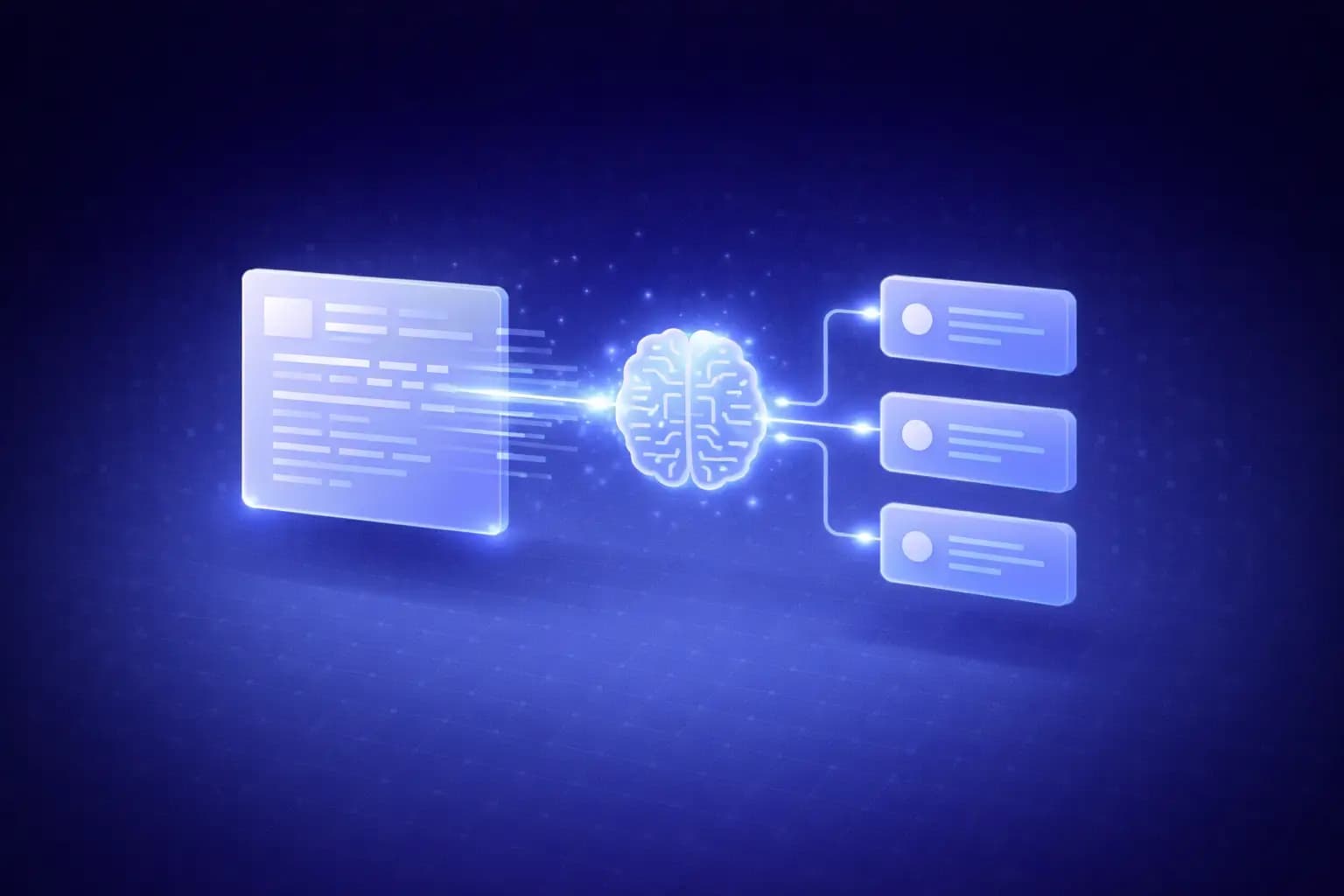
What are AI summaries?
Curyloop can automatically generate summaries of your sessions using AI. Instead of reading through dozens of links, you get a concise overview that highlights key themes, important findings, and actionable takeaways.
Generating a summary
- Open any session with at least a few items
- Click the Generate Summary button
- Wait a few seconds while the AI analyzes your content
- Review the generated summary at the top of your session
The summary updates automatically when you regenerate it after adding new items.
Types of summaries
Quick digest
Best for: Weekly standups, quick team updates
A quick digest gives you 3-5 bullet points covering the most important items in your session. Perfect for sharing in Slack or including in a weekly email.
Detailed brief
Best for: Research reports, stakeholder presentations
A detailed brief provides a structured overview with:
- Key themes: What topics dominate the session
- Notable findings: Standout articles or resources
- Connections: How different items relate to each other
- Recommendations: Suggested next steps based on the content
Tips for better summaries
Add quality notes
The AI uses your notes when generating summaries. Better notes lead to better summaries:
- Explain why you saved each link, not just what it is
- Highlight specific sections or quotes that matter
- Add your opinion or assessment
Use consistent tags
Tags help the AI understand the structure of your session. When items are well-tagged, summaries can group findings by topic automatically.
Curate before summarizing
Remove low-quality or irrelevant items before generating a summary. A focused session produces a more useful summary than one padded with tangential links.
Sharing summaries
Summaries can be:
- Exported as standalone text for reports or presentations
- Included in shared session links - external viewers see the summary too
- Sent via Telegram as part of your notification digest
Use cases
| Scenario | How summaries help |
|---|---|
| Weekly team meeting | Share a digest instead of reviewing links one by one |
| Client deliverable | Attach a research brief to your recommendations |
| Personal review | Quickly recall what you curated last week |
| Onboarding | Give new team members a summary of key resources |
Next steps
- Sharing Sessions Externally to distribute your summaries
- Setting Up Your AI Agent for automated content discovery
- Weekly Discovery Sessions for structured curation
Ready to try it yourself?
Start building your team's knowledge base today. Free to start, no credit card required.