Managing Multiple Groups at Scale
Best practices for organizing and managing multiple Curyloop groups across teams, departments, and projects.
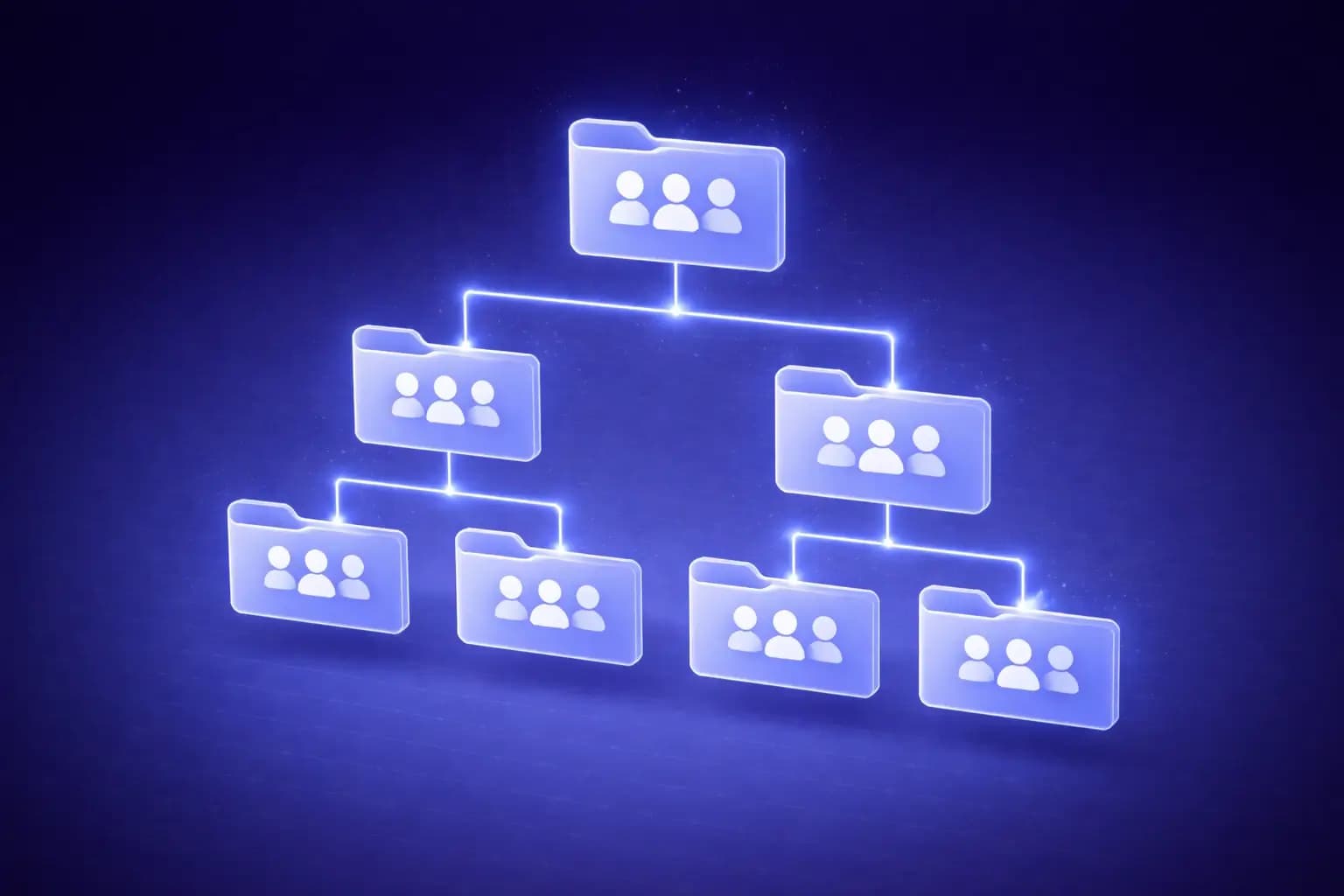
When do you need multiple groups?
A single group works great for small teams with one focus area. But as your organization grows, you'll need multiple groups for:
- Different teams: Engineering, Product, Marketing, Design each need their own space
- Different projects: Major initiatives deserve dedicated groups
- Different audiences: Internal research vs. client-facing collections
- Different cadences: Some teams curate daily, others weekly or monthly
Organizing your groups
By team (most common)
Create one group per functional team:
- Engineering Team
- Product Research
- Marketing & Content
- Design Inspiration
- Leadership Reads
Each group has its own members, sessions, AI agent configuration, and settings.
By project
For cross-functional projects:
- Project Alpha Research
- Product Launch Q2
- Market Expansion - APAC
Project groups can include members from multiple teams and have a defined lifecycle.
Hybrid approach
Most organizations use a combination:
- Permanent groups for ongoing team knowledge
- Temporary groups for time-bound projects
- Archive old project groups when complete
Dashboard management
Your dashboard gives you an overview of all your groups:
- Star your most-used groups for quick access
- Activity feed shows recent items across all groups
- Notifications alert you to new items in groups you follow
Consistent practices across groups
When managing multiple groups, consistency is key:
Naming conventions
Establish a naming pattern:
[Team] - [Purpose](e.g., "Engineering - Tech Radar")[Project] - [Phase](e.g., "Rebrand - Research Phase")[Category]for simple setups (e.g., "Competitive Intelligence")
Tag standards
Create a shared tag vocabulary across groups:
- Common tags:
#must-read,#action-needed,#reference,#archived - Team-specific tags:
#frontend,#growth,#brand,#ux - Priority tags:
#urgent,#this-week,#backlog
Session cadence
Standardize session timing:
| Group type | Session cadence | Review format |
|---|---|---|
| Team knowledge | Weekly | Async + weekly meeting |
| Project research | Sprint-aligned | Sprint review |
| Trend monitoring | Weekly | AI summary only |
| Client deliverables | Per milestone | Team review before sharing |
Cross-group knowledge sharing
The best insights often come from connecting knowledge across groups:
- Monthly digests: Compile top items from all groups into a leadership digest
- Cross-pollination sessions: Quarterly sessions where teams share their best finds
- Shared tags: Use organization-wide tags to surface related content across groups
Administration tips
Member management
- Assign group owners who are responsible for maintaining quality
- Review membership quarterly - remove inactive members
- Use roles to control who can create sessions vs. just contribute items
Archiving strategy
Keep your workspace clean:
- Archive sessions older than 3 months
- Archive project groups when the project concludes
- Archived content remains searchable but doesn't clutter the dashboard
Monitoring group health
Signs a group is working well:
- Regular session creation
- Multiple contributors per session
- Active likes and discussion markers
- AI summaries being generated and shared
Signs a group needs attention:
- No new sessions in 2+ weeks
- Single contributor doing all the work
- No engagement (no likes, no discussed markers)
Next steps
- Remote Team Async Knowledge Sharing for distributed teams
- Building Custom Integrations for automation
- Tips for Power Users for advanced features
Ready to try it yourself?
Start building your team's knowledge base today. Free to start, no credit card required.