Curyloop for Designers
Collect UI inspiration, organize design references, and build a searchable library of patterns, components, and visual ideas.
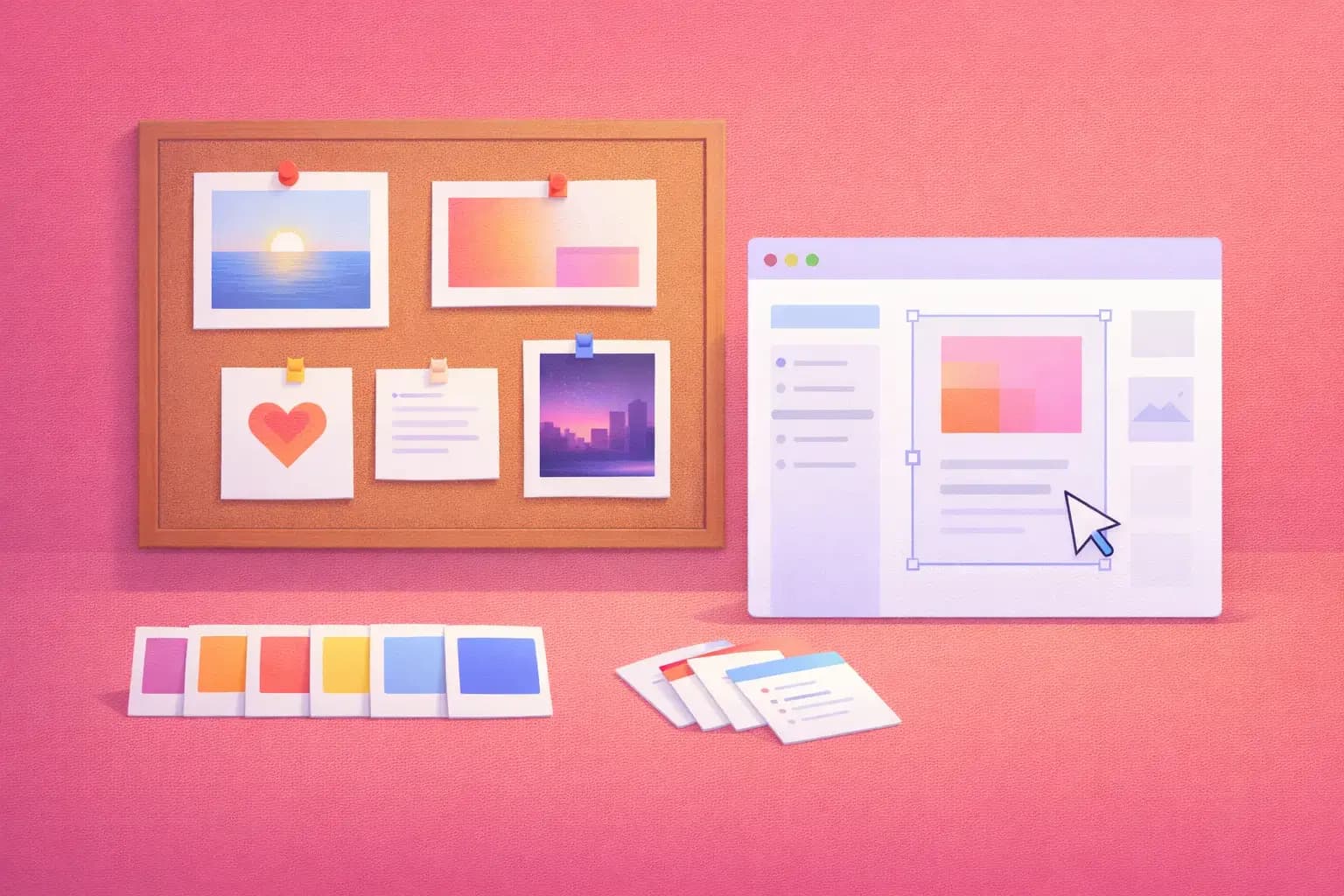
Inspiration is everywhere — finding it again is the hard part
As a designer, you're constantly collecting. A beautiful landing page on Product Hunt. A clever micro-interaction on a SaaS app. A color palette from Dribbble. A typography system from a design blog. A case study on Medium.
You save these to Figma comments, browser bookmarks, Pinterest boards, Notion pages, Slack messages to yourself, and screenshots in random folders.
When you actually need that reference for a project? You spend 30 minutes digging through five different tools.
Curyloop gives designers a single, searchable home for all their visual references and design research.
How designers use Curyloop
Session per project or theme
Structure your inspiration by project or design topic:
- "E-commerce Checkout Redesign — Inspiration"
- "Dashboard UI Patterns"
- "Landing Page Hero Sections"
- "Mobile Onboarding Flows"
- "Typography Inspiration"
- "Dark Mode Design Systems"
Save from any design source
Whether you're browsing Dribbble, Behance, Awwwards, Mobbin, Land-book, or just stumbling onto a beautifully designed website — save it to Curyloop with one click. The browser extension grabs the title and URL automatically.
Annotate why it caught your eye
The difference between a useful reference and a forgotten bookmark is context. When you save a design reference, add a note:
- "Love the card layout — hover states are really smooth"
- "Great use of whitespace in the pricing section. Reference for our SaaS redesign."
- "The onboarding flow reduces steps to 3. Note: progressive disclosure pattern."
- "Color palette: deep navy + warm amber. Sophisticated but approachable."
Tag for design patterns
Build a tagging vocabulary that maps to your design thinking:
- Component:
navigation,cards,forms,hero,footer,modal - Style:
minimal,bold,playful,corporate,brutalist - Type:
landing-page,dashboard,mobile-app,email,illustration - Technique:
animation,micro-interaction,dark-mode,glassmorphism
Search and rediscover
Three months into a new project, you need dashboard inspiration. Search "dashboard cards" — every reference you've ever saved surfaces instantly, complete with your annotations on what made each one special.
A typical design workflow
- Discovery phase — browse inspiration sites, save everything relevant to a project session
- Add context — note what design patterns, colors, or interactions caught your eye
- Tag by component —
hero,pricing,testimonials - Share with team — share the session link with developers and stakeholders
- During design — reference your curated collection right in your browser
- Post-launch — save your own live site as a reference for future projects
Share a moodboard with your team
Share a Curyloop session as a living moodboard. Product managers, developers, and other designers can see exactly what direction you're heading — with your reasoning attached as notes.
No more creating separate slide decks of screenshots. Just share the link.
Why not just use Pinterest or Are.na?
| Feature | Curyloop | Are.na | Notion | |
|---|---|---|---|---|
| Save any URL | Yes | Limited | Yes | Manual paste |
| Rich personal notes | Yes | No | Descriptions | Yes |
| Custom tags | Unlimited | Boards only | Channels | Tags |
| Full-text search | Yes | Image-based | Limited | Basic |
| Share with non-users | Yes | Follows | Yes | Share link |
| AI summaries | Yes | No | No | No |
| No visual clutter | Clean list view | Image-heavy | Grid-heavy | Table view |
Build your design library
- Sign up for free
- Create your first project inspiration session
- Install the browser extension
- Start saving the designs that inspire you — with context that makes them useful
Good design is about knowing what's been done well. Curyloop helps you remember.
Ready to try it yourself?
Start building your personal knowledge library today. Free to start, no credit card required.